






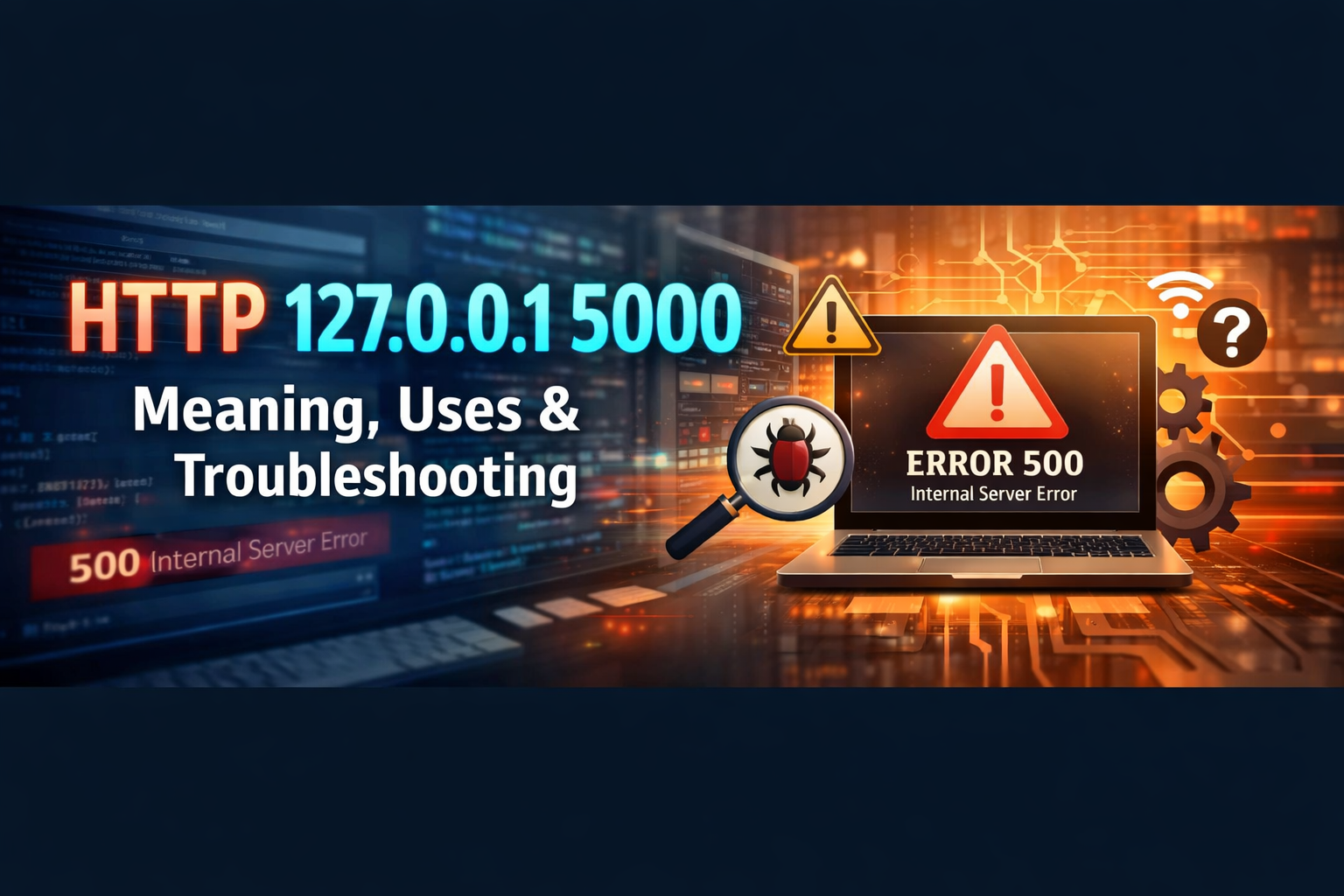
If you’ve come across http://127.0.0.1:5000, you might be wondering whether it’s a website, a server, or something suspicious.
Good news: it’s completely normal — especially if you’re learning coding or running software on your computer.
This guide explains everything in simple terms.
🔎 Breaking Down HTTP 127.0.0.1:5000
Let’s understand each part:
1️⃣ HTTP
HTTP (HyperText Transfer Protocol) is the system browsers use to load websites.
When you type a web address, HTTP helps your browser communicate with a server.
2️⃣ 127.0.0.1
This is called the loopback address.
It always refers to:
👉 Your own computer
Instead of connecting to a website on the internet, your browser connects back to your machine.
This is also known as:
-
localhost
-
The local development server
3️⃣ :5000 (The Port Number)
Computers use ports to manage multiple services at once.
Think of it like:
-
Your computer = an apartment building
-
127.0.0.1 = the building address
-
Port 5000 = a specific apartment door
When you open 127.0.0.1:5000, you’re knocking on door number 5000 on your own computer.
💡 Why Is Port 5000 Common?
Port 5000 is widely used by development tools, especially:
-
Python Flask applications
-
Small backend servers
-
Testing environments
When developers run a project, they often see:
🌍 Is 127.0.0.1:5000 on the Internet?
No.
It is private and local only.
Other people cannot access it unless you specifically configure your computer to allow outside connections.
That’s why developers use it safely for testing.
🖥 Common Uses of 127.0.0.1:5000
✔ Web Development
Test websites before publishing them online.
✔ API Testing
Developers test APIs locally before connecting to real servers.
✔ Learning Programming
Beginners often run coding projects using localhost.
✔ Debugging Applications
Fix errors privately before deployment.
🔄 127.0.0.1 vs Localhost – Are They the Same?
Yes — in most systems, they work the same.
Both of these typically open the same server:
http://localhost:5000
The difference:
-
127.0.0.1 is the actual IP address
-
localhost is a name that points to that IP
❌ Common Errors & Easy Fixes
1. “This site can’t be reached”
Cause:
The server isn’t running.
Fix:
Start your application in the terminal or command prompt.
2. Connection Refused
Cause:
Nothing is running on port 5000.
Fix:
Restart your development server.
3. Port Already in Use
Cause:
Another program is using port 5000.
Fix Options:
-
Close other running applications
-
Restart your computer
-
Change the port number in your app
4. Firewall Blocking Access
Rare for localhost, but possible.
Fix:
Allow your programming language (Python, Node, etc.) through your firewall.
🔐 Is 127.0.0.1:5000 Safe?
Yes, it’s safe for normal development use.
It only becomes risky if:
-
You expose the port to the public internet
-
You disable security protections
-
You run untrusted code
For beginners learning to code, it’s completely normal and secure.
🔄 Can You Change Port 5000?
Yes.
Developers often switch to other ports like:
-
3000
-
8000
-
8080
If you change the port, you must update the browser address:
🧠 Simple Real-World Example
Imagine you’re building a website.
Instead of uploading it immediately, you:
-
Build it on your computer
-
Run it locally
-
Test everything
-
Fix errors
-
Then publish it online
It’s like practicing before performing on stage.
📌 Quick Summary Table
| Component | Meaning |
|---|---|
| HTTP | Web communication protocol |
| 127.0.0.1 | Your own computer |
| 5000 | A specific port (service door) |
| Full Address | Local web server running on your machine |
🎯 Final Thoughts
HTTP 127.0.0.1:5000 simply means:
A web application is running locally on your computer using port 5000.
It’s mainly used for:
-
Learning programming
-
Testing web apps
-
Developing projects
-
Debugging software
There’s nothing harmful about it — it’s just a local development environment.